


Getting Started
Before the first day, please make sure that the contact information on your account is current:
- Cell Phone
- Email Address
If you need to update the information on your account, please contact us to avoid any further interruption in online banking access.
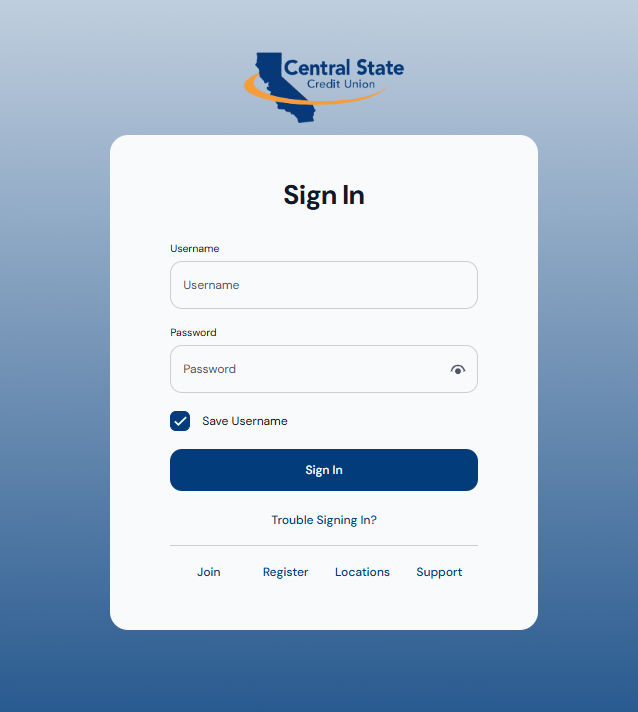
NEXT STEP: DESKTOP/WEBSITE
If you are using a Desktop/PC or the Website: From the home page, click on the Login Button(https://www.centralstatecu.org)
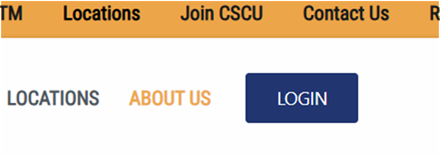
You will be taken to this page, then click on “Register” to begin the registration process where you will provide your user information.
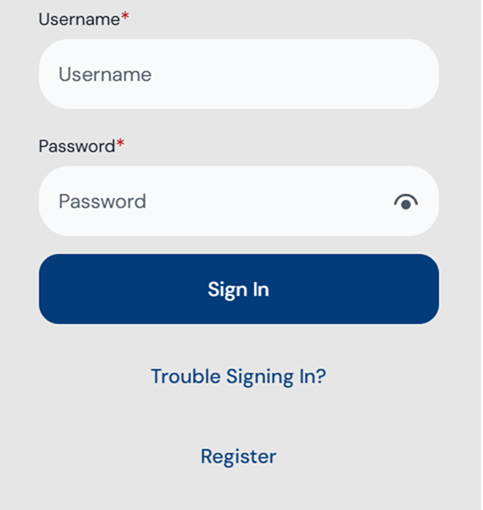
NEXT STEP: MOBILE
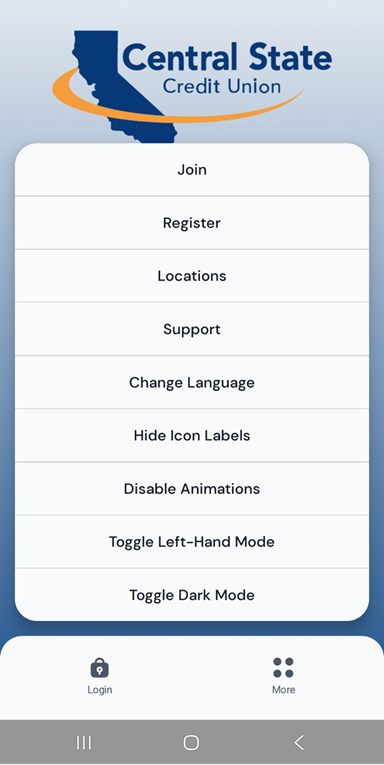
If you are using a mobile device, on the Mobile Sign In page, tap on “More” (with the 4 dots), then tap “Register” to begin the registration process.
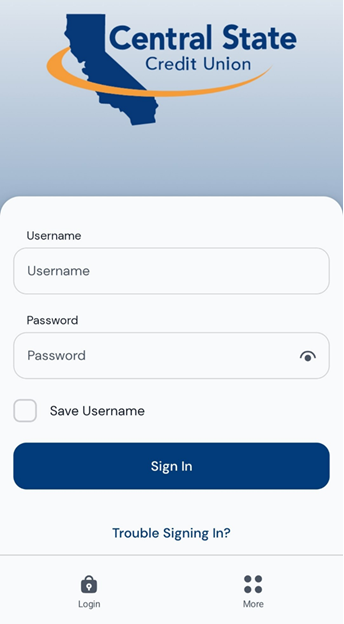
Then tap “Register” to begin the registration process where you will provide your user information.
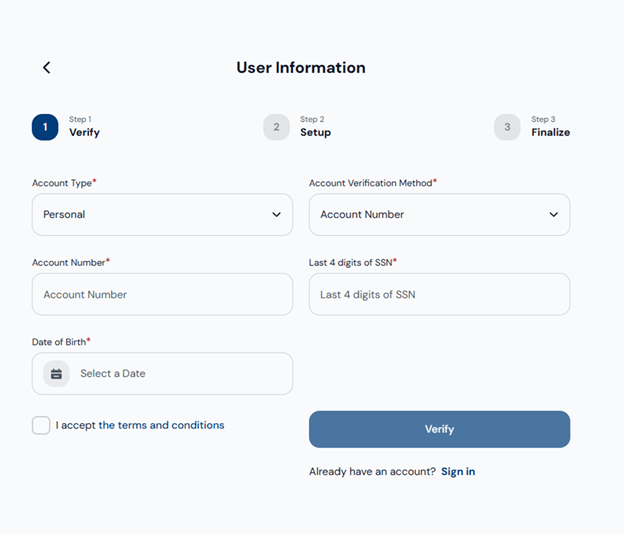
Next Step: User Information
- Select Account Type (Personal or Business).
- Select Account Verification Method (Account Number or Card Number).
- If you select Account Number, enter the account number in the curved box.
- If you select Card Number, enter the card number in the curved box.
- Enter the last 4 digits of your SSN in the box provided.
- Enter your Date of Birth in MM-DD-YYYY format (2-digit month, 2-digit day, and 4-digit year), or click the blank box to select it.
- Check the box for I accept the terms and conditions.
- Click the blue Verify button.
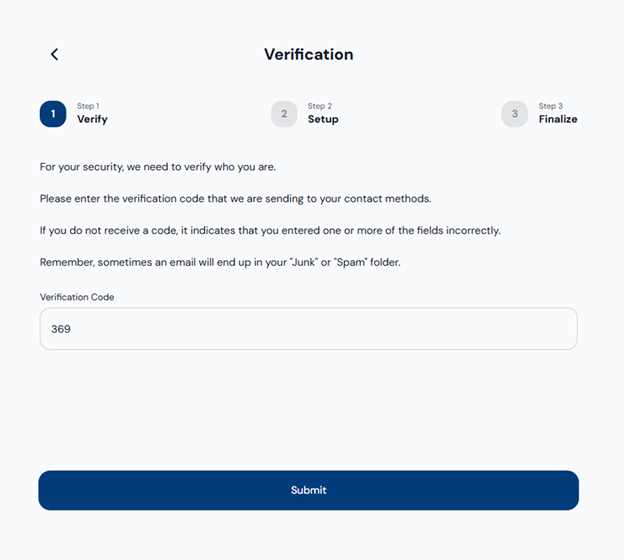
Next Step: Verification
A verification code will be sent to your (email or text). Once you receive it, enter the Verification Code and click Submit.
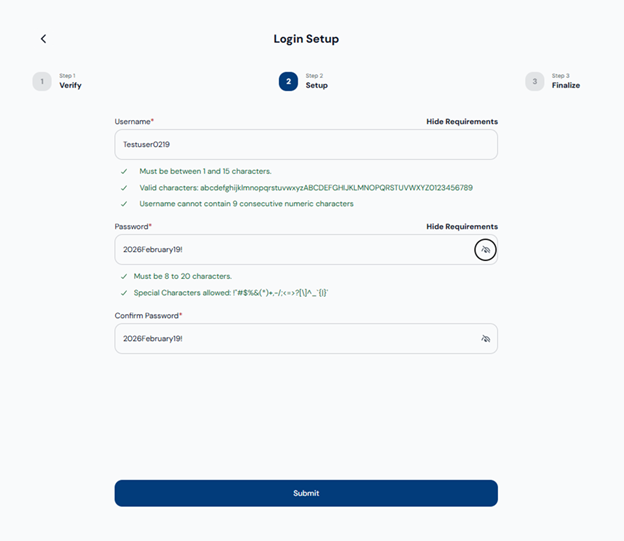
Next Step: Login Setup
Username Requirements:
- Must be between 5 and 15 characters.
- Cannot contain 9 consecutive numeric characters.
- Valid characters include:
abcdefghijklmnopqrstuvwxyz
ABCDEFGHIJKLMNOPQRSTUVWXYZ
0123456789 - . _ @ +
Password Requirements:
- Must be between 14 and 20 characters.
- Must include at least 4 unique characters.
- Allowed special characters: {}[]!#;^?.,|&<>~@$%/=+-'*
After creating your username and password, enter them in the appropriate fields. Then re-enter your password in the Confirm Password box and click Submit.
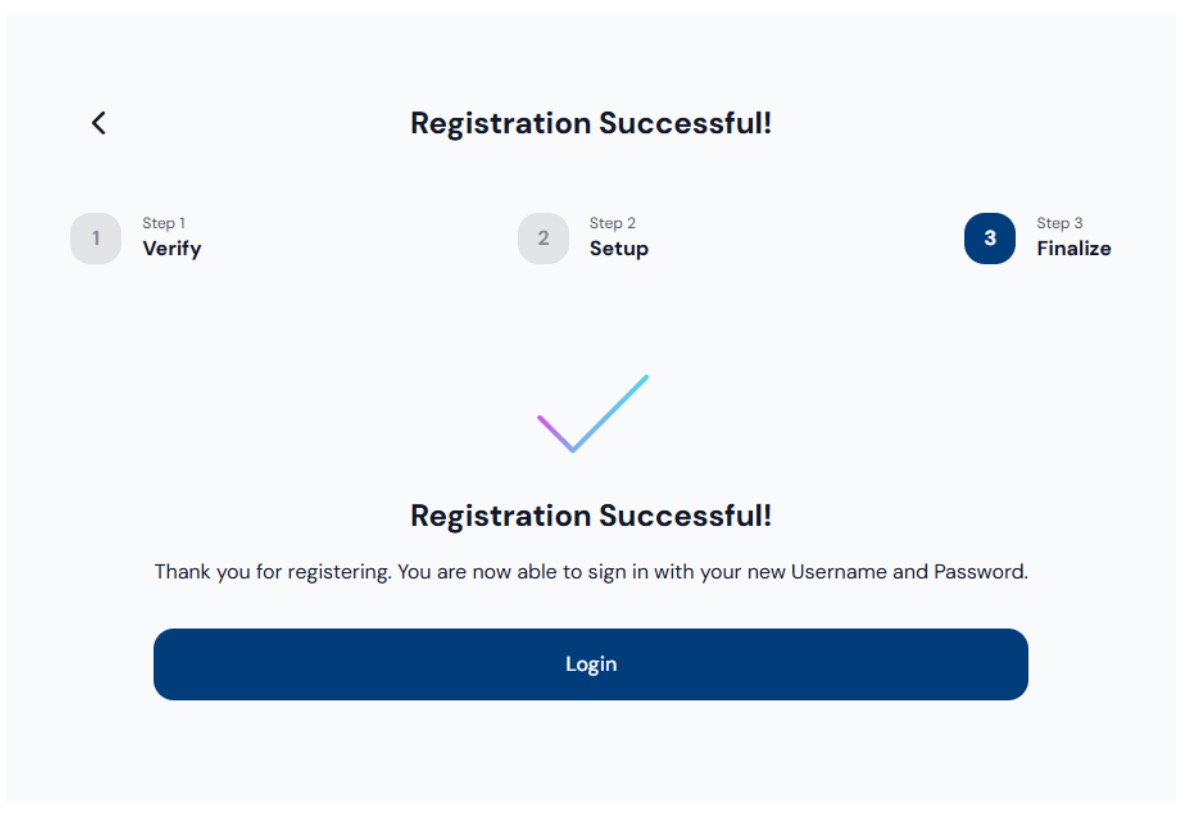
Next Step: Registration Successful
You’re all set!
Your registration is complete. Click Login to get started with your new account.
ATTENTION QUICKBOOKS AND QUICKEN USERS
Central State Credit Union is migrating to a new online and mobile banking system on 5/11/2026 at 8:45 AM. This upgrade will require that you make changes to your QuickBooks or Quicken software, so please take action to ensure a smooth transition.
Conversion instructions are available below.
The conversion instructions reference two Action Dates. Please use the dates provided below:
1st Action Date: Prior to 5/11/2026 A data file backup and a final transaction download should be completed by this date. Please make sure to complete the final download before this date since transaction history might not be available after the upgrade.
2nd Action Date: 5/11/2026 This is the action date for the remaining steps on the conversion instructions. You will complete the deactivate/reactivate of your online banking connection to ensure that you get your current Quicken or QuickBooks accounts set up with the new connection.
Conversion instructions
- Quicken – Quicken Conversion Instructions
- QuickBooks Desktop – QuickBooks Desktop Instructions
- QuickBooks Online – QuickBooks Online Instructions
Intuit aggregation services may be interrupted for up to 3-5 business days. Users are encouraged to download a QFX/QBO file during this outage. The following services may not work during the outage:
- Quicken Win/Mac Express Web Connect
- QuickBooks Online Express Web Connect
Please carefully review your downloaded transactions after completing the migration instructions to ensure no transactions were duplicated or missed on the register.
If you have any questions, please go to Intuit Support or call 1-800-446-8848
Tell a Friend
FREE CHECKING
NO MONTHLY SERVICE CHARGE
Finally, a free checking that is actually free. Visit a branch today.
PLUS, all the great not-so-standard checking features are included with all CSCU Checking Accounts.